

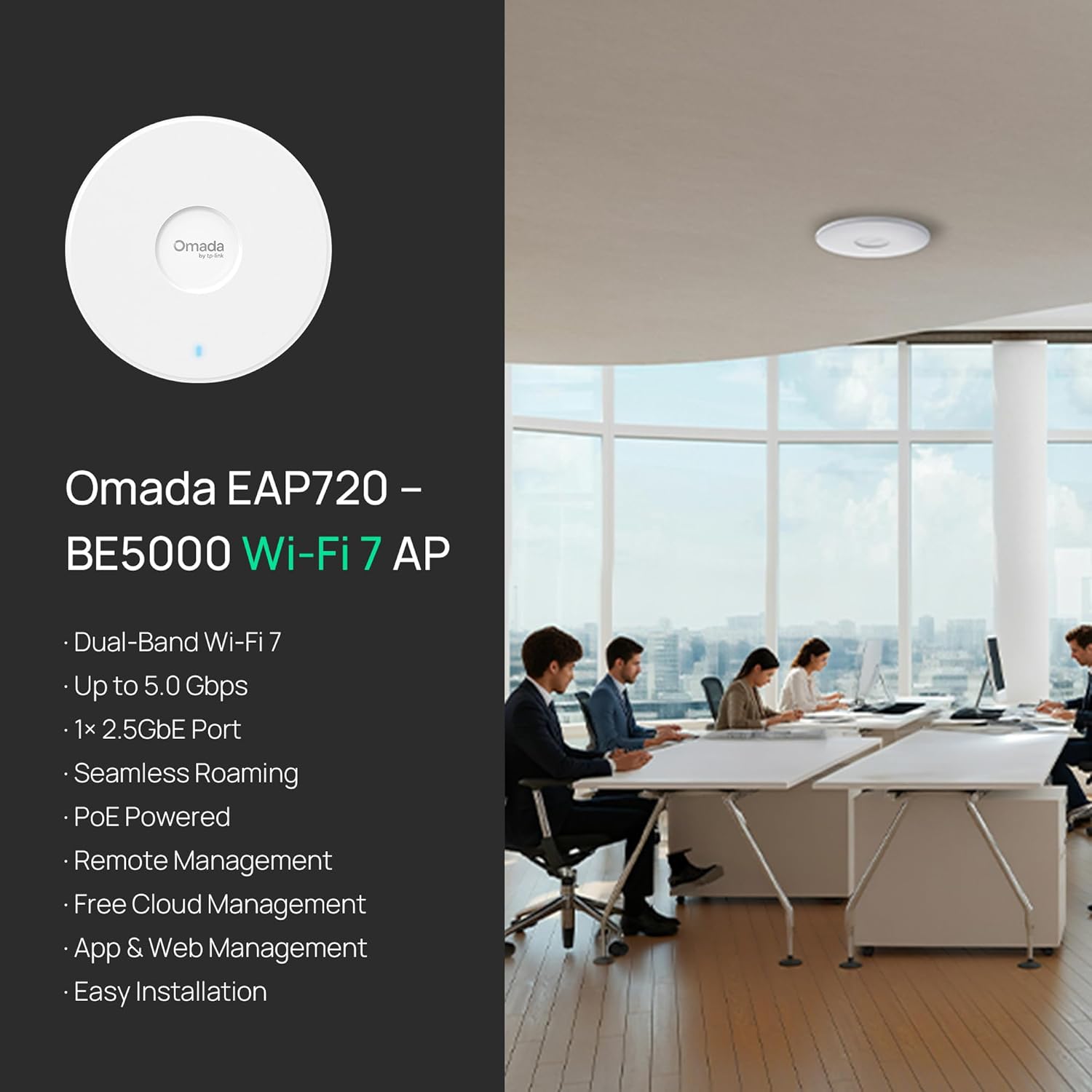


Omada 7, BE5000 Wireless Access Point, 2.5G Port, w/DC Adapter(EAP720)
The TP-Link Omada EAP720 is a dual-band Wi-Fi 7 ceiling-mount access point designed for business and home network deployments. It combines a 2.5G Ethernet port, Omada management options, and support for PoE or included DC power.
Why We Like It
The EAP720 is designed for network expansion rather than a typical all-in-one consumer router setup. Its Wi-Fi 7 dual-band design, 2.5G Ethernet port, mesh support, seamless roaming, and Omada centralized management give users tools for a more structured network across an office, public space, or larger home.
The supplied customer-review summary identifies recurring positive feedback about speed, coverage, setup, and Omada integration. Signal-strength feedback is mixed, however, with some customers reporting strong signals and others describing dropped connections or device-specific performance differences.
Key Features
- Dual-band, 4-stream Wi-Fi 7 with stated speeds up to 5.0 Gbps: 4324 Mbps on 5 GHz and 688 Mbps on 2.4 GHz.
- One 2.5 Gigabit Ethernet port for multi-gig wired networking and backhaul.
- Omada Cloud Management Platform support for remote configuration, network monitoring, Zero Touch Provisioning, and other management tools.
- Network tools listed include VLAN segmentation, bandwidth management, scheduling, security options, and PPSK.
- Mesh, seamless roaming, airtime fairness, beamforming, and QoS are included among the listed networking features.
- Supports 802.3at PoE or DC power, with a power adapter and mounting kit included.
- Listed support for more than 250 concurrent clients and WPA3 security.
Who It’s Best For
This access point may suit businesses, shared spaces, and home users building an Omada-managed network. It is especially relevant for installations that can benefit from ceiling or wall mounting, a 2.5G wired connection, centralized administration, mesh capability, or support for many connected devices.
Product / Buying Details
TP-Link lists the EAP720 as a dual-band Wi-Fi 7 access point with one 2.5G LAN port and coverage of up to 1,500 square feet. Listed wireless standards include 802.11.be, 802.11ac, 802.11ax, 802.11g, and 802.11n. The box contents include the access point, power adapter, ceiling/wall/junction-box mounting kit, and installation guide.
The supplied stock status is In Stock, though availability can change. The listing states a five-year warranty and free technical support during the stated weekday hours.
How It Compares
Compared with a basic standalone wireless access point, the EAP720 emphasizes managed-network functions such as centralized Omada controls, VLAN segmentation, PPSK, mesh networking, and seamless roaming. Its 2.5G Ethernet port also distinguishes it from access points limited to lower-speed wired uplinks. Buyers who only need a simple, single-device Wi-Fi setup may not need these management and deployment features, while users planning a scalable wired or Omada-based network may find them more relevant.
Things to Consider Before Buying
- This is an access point, so plan the wider network setup and wired connection needed for deployment.
- To use PoE power, the installation requires compatible 802.3at PoE equipment; DC power is also supported and an adapter is included.
- Its 2.5G port can support multi-gig networking, but realizing that capability depends on compatible connected equipment and service.
- For management features such as remote configuration and monitoring, consider whether Omada Cloud Management Platform integration fits your network plan.
- The listing gives coverage up to 1,500 square feet, while the supplied customer feedback shows that real-world signal results can vary.
ANICOM Verdict
The TP-Link Omada EAP720 appears best suited to buyers who want a Wi-Fi 7 access point as part of a managed business or home network. Its combination of a 2.5G port, Omada tools, mounting options, PoE or DC power, and mesh and roaming capabilities makes it a feature-focused choice for structured deployments. Buyers should weigh their installation requirements and broader network compatibility before choosing it.